
Basic Robotics with Xamarin.Forms
In this tutorial, I will discuss about integrating Xamarin.Forms to Edubot.
If you’re interested in IoT (Internet of Things), this is the article for you.
What is Edubot?
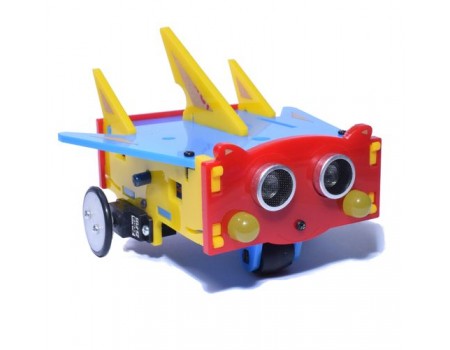
It’s a Mobile Robot created for Kto12 Learners
Basic programmable mobile robot for young (and not so young) learners. Graphical programming style is used to program the robot - programming is done by assembling together a set of blocks, very much like playing on a jigsaw puzzle.
How to Start?
1. Download the Arduino IDE and the ArduBlock tool
2. Install Arduino IDE
-
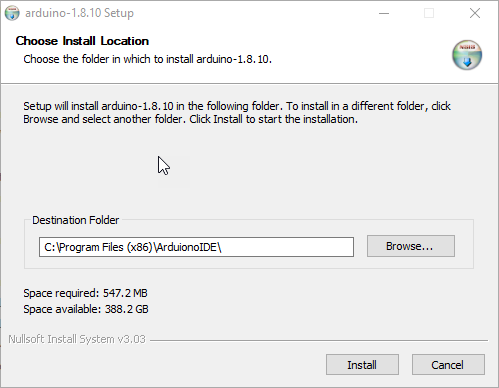
After downloading the Arduino IDE, install it on your desired location
-
Go to Arduino IDE Installation Path
-
Extract the ArduBlock jar file and place it in tools folder

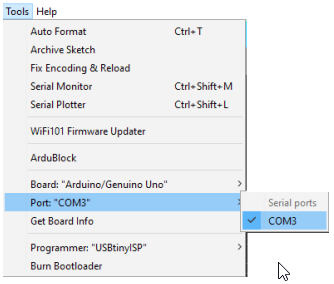
3. Open Arduio IDE and Set the Board and COM Port
- Connect the Edubot to your PC
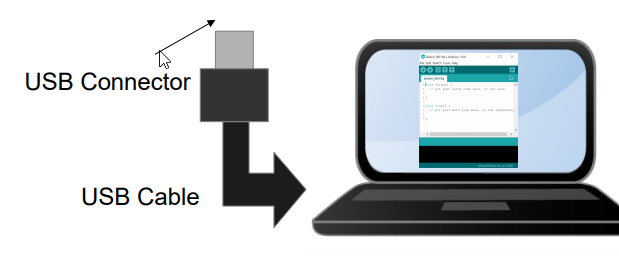
- Set Board to Gizduino (mini) w/ ATmega168
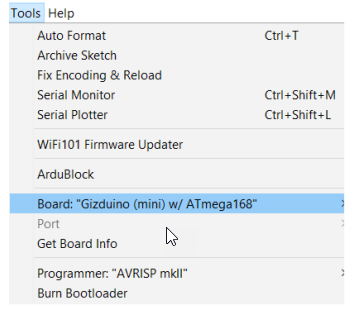
- Set COM Port
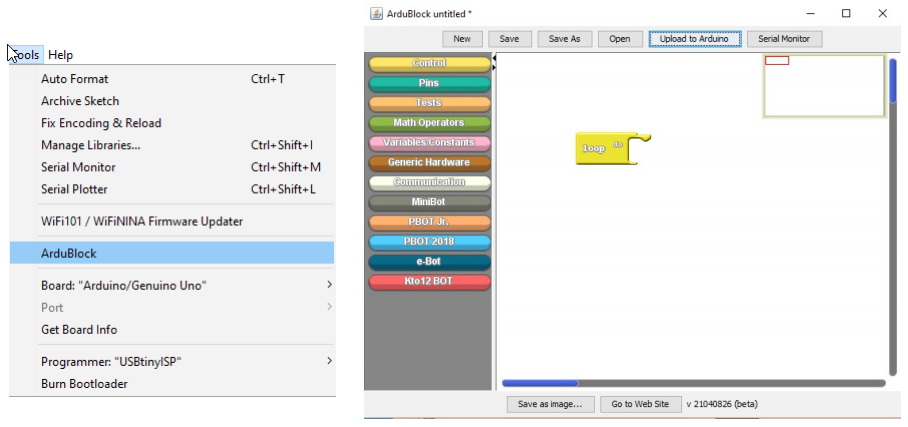
Open ArduBlock
- Tools > ArduBlock
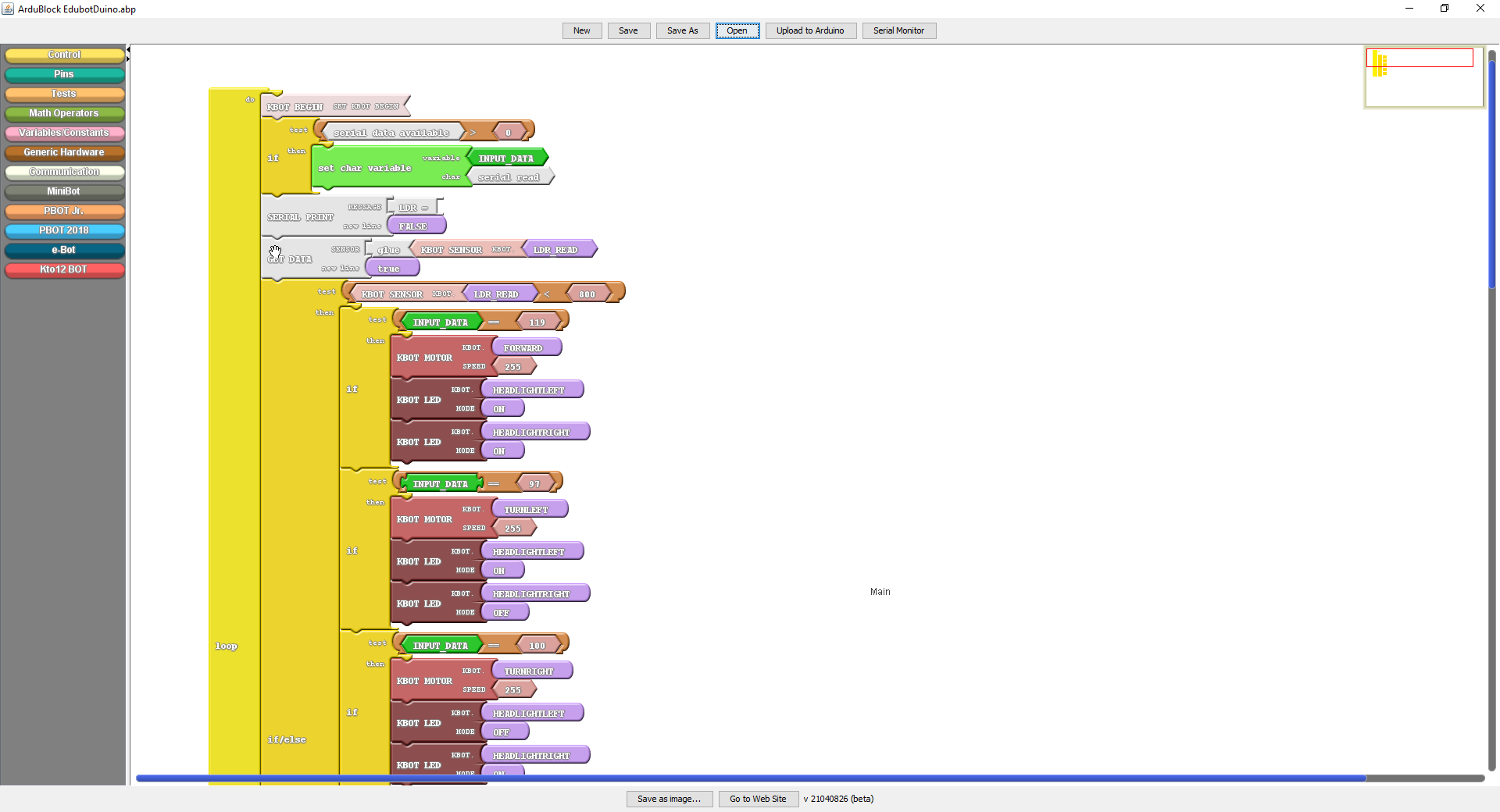
- Create your first Edubot Program
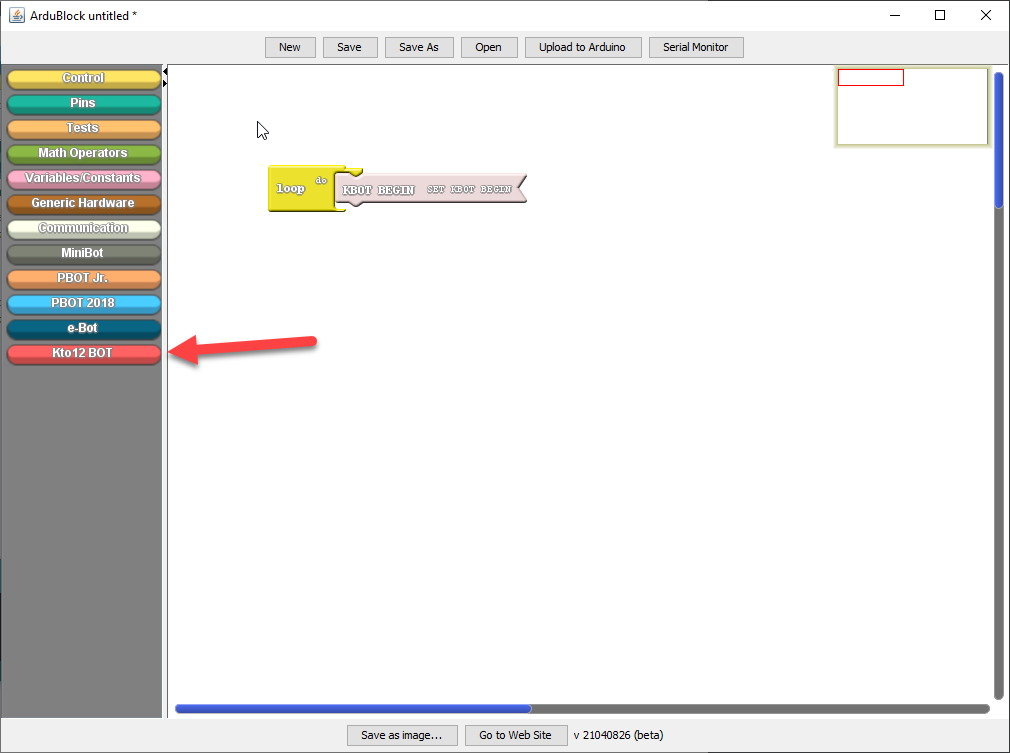
- Drag and drop the components and follow the program below
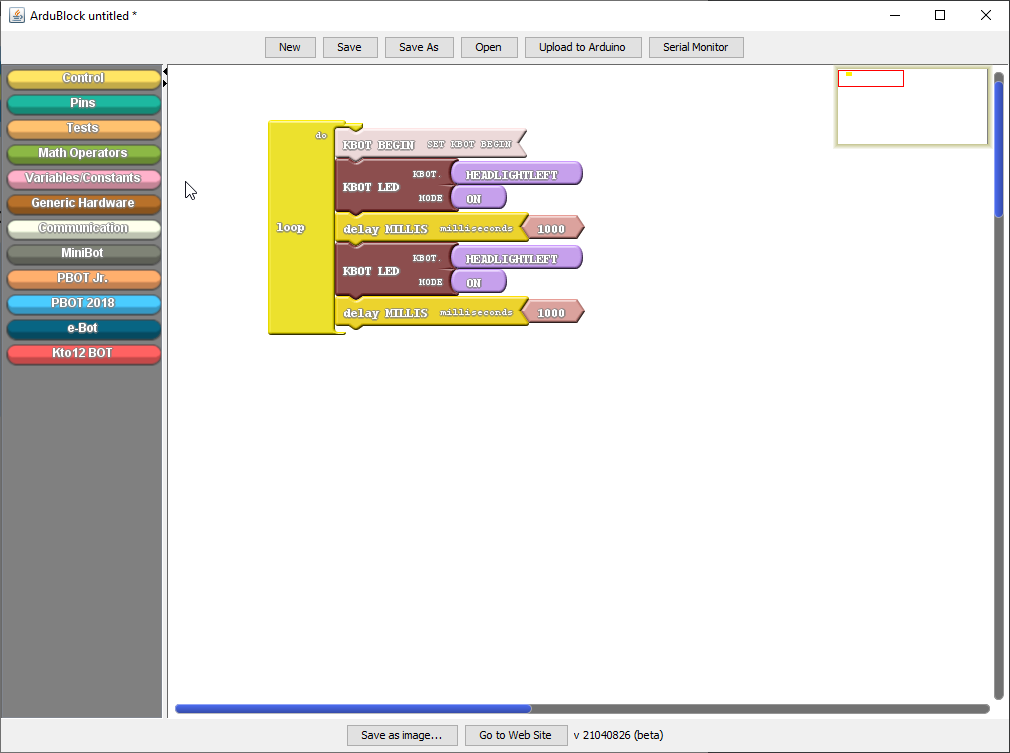
- Click Upload to Arduino
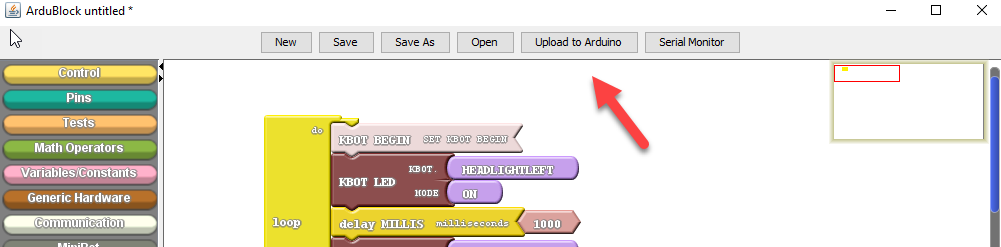
You have created your first Edubot Program!
Now let’s work on the most exciting part.
Connect your Edubot with Xamarin.Forms Application (to be updated)
- Download the Xamarin.Forms Application below
EdubotRemote Github Repository
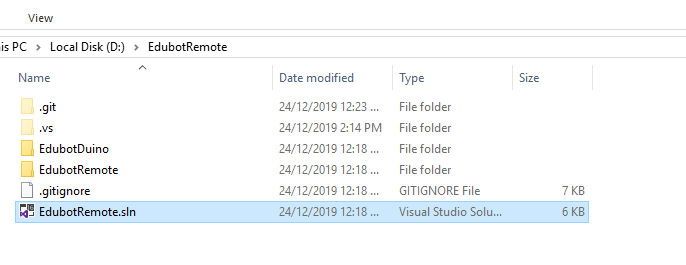
- Open EdubotRemote.sln
-
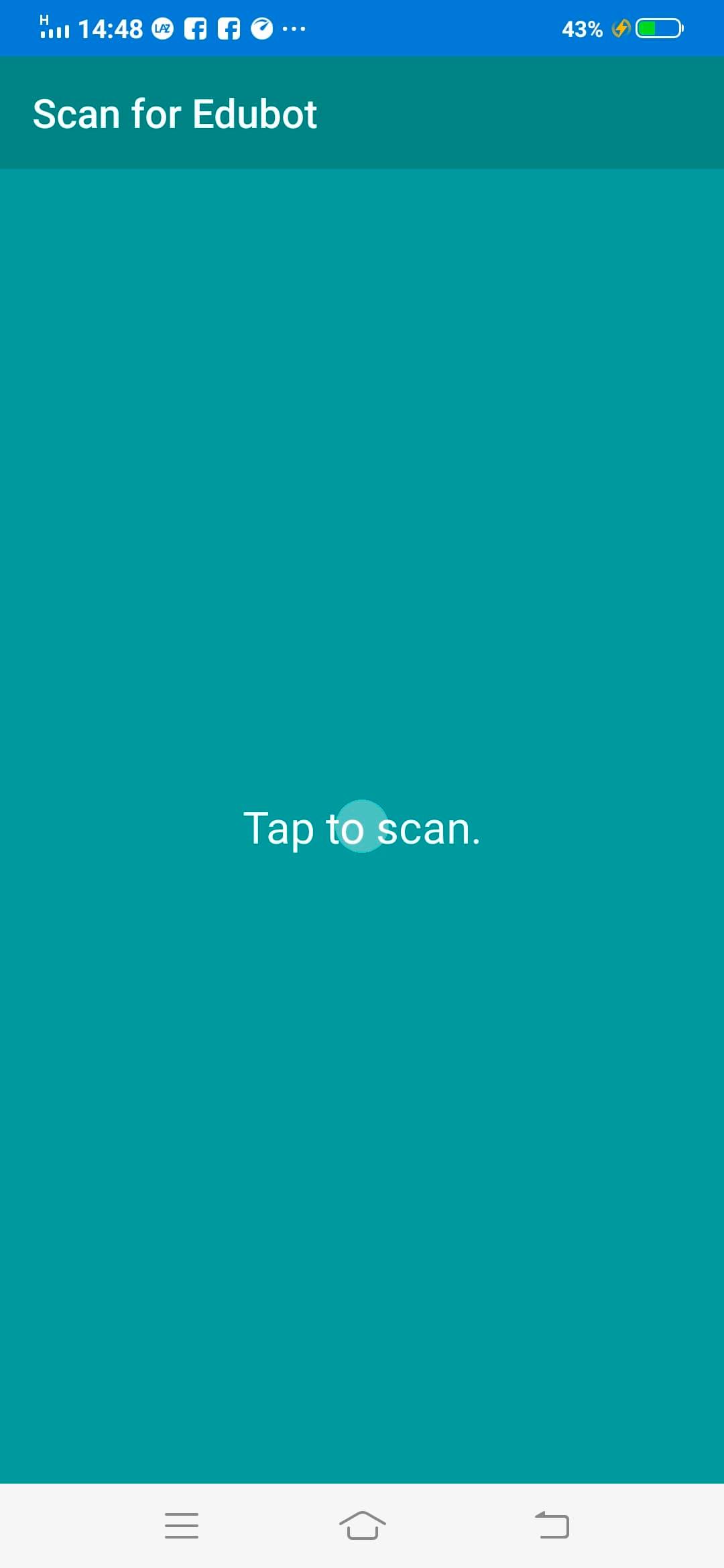
Connect your Android Device to your PC and run the application
-
Make sure bluetooth is turned on when you run the application
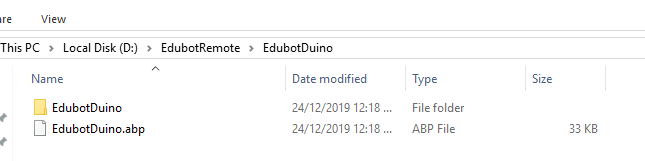
- Open ArduBlock Tool and Open EdubotDuino.abp
-
Connect your bluetooth mobule (AT-09) to your Edubot
-
Upload your program to your Edubot